|
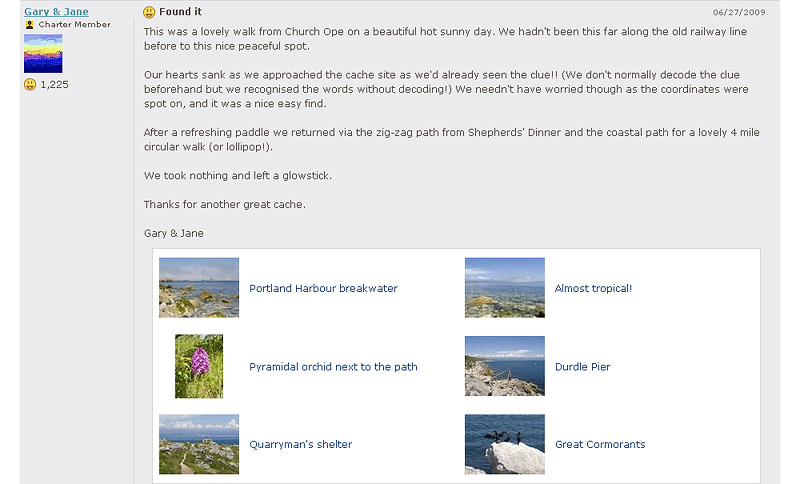
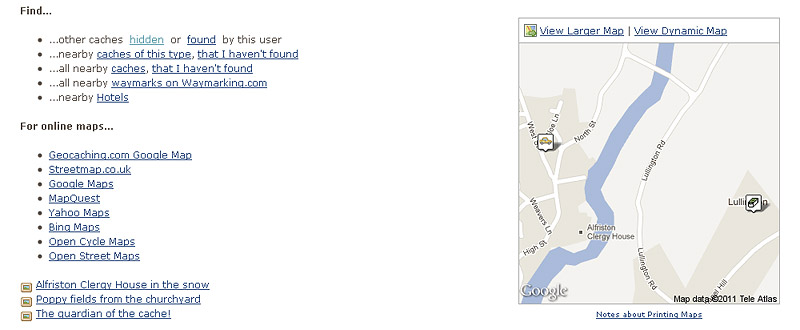
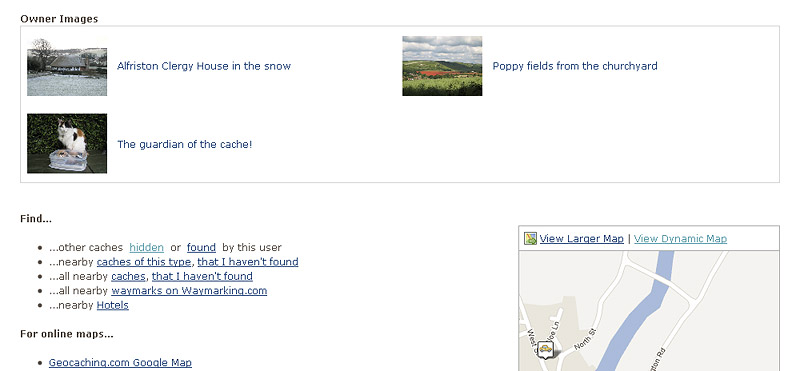
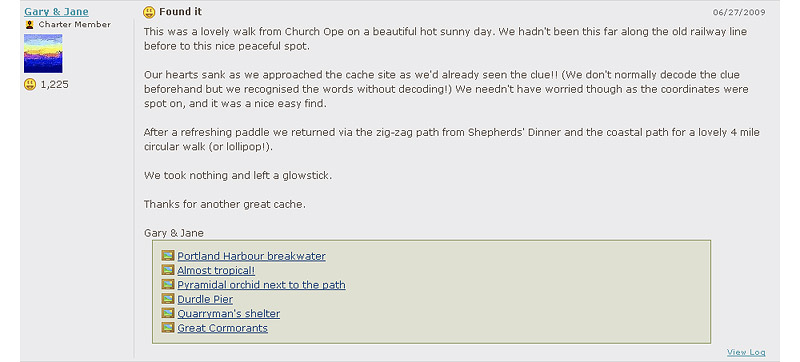
Description: Geothumbs is a browser script that replaces the small picture frame icons on geocaching.com cache and logbook pages with thumbnails of the actual images. It adds image navigation and optional large images to the gallery pages. The script works with Firefox, Google Chrome, Opera and Safari. On cache and logbook pages clicking an image thumbnail will pop-up the full sized image in the existing 'lightbox' feature. Clicking the sides of this full sized image (or using the keyboard left and right keys) will allow you to move between all the images in the gallery. For images currently shown on the cache page each pop-up image will show the image title, who took it, when it was taken, any image description, a link to the cache log and a link to print the image. For images not currently shown on the cache page each pop-up image will show the image title, any image description and a link to print the image. Clicking the text description next to the image thumbnail will bypass the 'lightbox' and display the image directly. To provide some protection against viewing spoilers inadvertently any image labelled as a spoiler will not be converted to a thumbnail. On gallery pages Geothumbs adds the ability to navigate between all the pop-up images in the gallery. The standard thumbnails can optionally be changed to large images if required. Geothumbs can load more than the standard 25 logs at a time when you initially open the cache page or you reach the bottom of the page. The number of logs that can be loaded can be configured to be 25, 50, 75 or 100. Geothumbs can be configured to your preferred operation by selecting 'Geothumbs Options' listed under the new 'Options' menu at the top of each cache page. You will be automatically notified whenever an update to the script becomes available. Notes: If you use the GC Little Helper script then you will need to set the Geothumbs 'Number of logs to load' option to 25 and uncheck the 'Show Thumbnails of Images' option in GC Little Helper. |
||||||
|
||||||
|
|
||||||
|
This script has been tested to work with:
|
||||||
| Version History: v6.2 Updated to work with Geocaching.com site changes made on 17 January 2012 Add navigation between the pop-up images on the user profile gallery page Open correct image from View Log link on pop-up image page v6.1 Add thumbnails to logbook page Add navigation between the pop-up images on the gallery page Add option to display large images on the gallery page Add compatibilty with GC Little Helper script v5.4 Updated to work with Geocaching.com site changes made in December 2011 Options are now accessed via a new 'Options' menu at the top of each cache page v5.3 Minor update to only request initial logs if more than 25 logs have been selected v5.2 Updated to work with Geocaching.com site changes made in September and October 2011 Show all gallery images in the 'lightbox' without the need to load all logs Add option to specify the number of logs to be loaded initially and when reaching the bottom of the cache page v5.0.1 Temporarily remove @match in metadata due to a bug in Greasemonkey 0.9.10 onwards which could cause scripts installed under 0.9.8 to disappear. v5.0 Warning: Do not install this version with greasemonkey 0.9.10 or 0.9.11. See this warning Updated to work with Geocaching.com site changes made in August 2011 Options now accessed via cache page Resources menu Add full compatibility with Google Chrome and Opera Instructions for the following versions of Geothumbs can be found here v4.6 Add padding above and below portrait format owner images v4.5 Updated to work with Geocaching.com site changes made on 11th May 2011 Updated spoiler search string Fix Firefox 4 greasemonkey function error messages v4.4 Fix corrupted image tooltip when image has no title Fix quoting around titles when title is already quoted v4.3 Add automatic check for new script updates. Thanks to Lil Devil for the code. v4.2 Updated to work with Geocaching.com site changes made in June 2010 Removed option to choose style of pop-up images v4.1 Added option to select image navigation across all logs or within current log only Reworded overlay opacity option to background darkness to clarify its function v4.0 Updated to work with Geocaching.com site changes made in June 2010 Added option to select style of pop-up images Added option to change the overlay opacity Google Chrome operation not supported v3.3 Allow operation in Google Chrome beta Fix bug that stopped images being shown when logged out v3.2 Move position of owner images before map to avoid overlap and reduce whitespace v3.1 Minor cosmetic update to shrink border around images and increase size of image box v3.0 Updated to work with Geocaching.com site changes made in January 2010 v2.5 Added option to show or not show image descriptions with thumbnails. Added image descriptions to lightbox images. v2.0 Added option to show cache owner images. Added option to select the number of thumbnail images in a row. Added option to show the normail thumbnail or a larger image. Added option to always show spoiler images. v1.0 Show thumbnail images and clean up image tooltips. |
||||||
|
For support please contact us via our geocaching profile - Gary & Jane |